X Marks the Spot!
The Best Mobile Phone for Seniors, Kids, and the Visually and Hearing Impaired – at just $129!
Buy direct from our website and receive free standard shipping on any phone

Free Delivery On Orders Over $30 | Next Business Day Dispatch | Call Us 1300 971 584 or Live Chat - Click Bottom Left Corner (Mon to Fri 8am to 6pm except public holidays)
The Best Mobile Phone for Seniors, Kids, and the Visually and Hearing Impaired – at just $129!
Buy direct from our website and receive free standard shipping on any phone





The Flip X Phone from Opel Mobile targets users of non-smartphones that need a simple, easy-to-use mobile phone but doesn’t need all the bells and whistles of the latest smartphone technology.
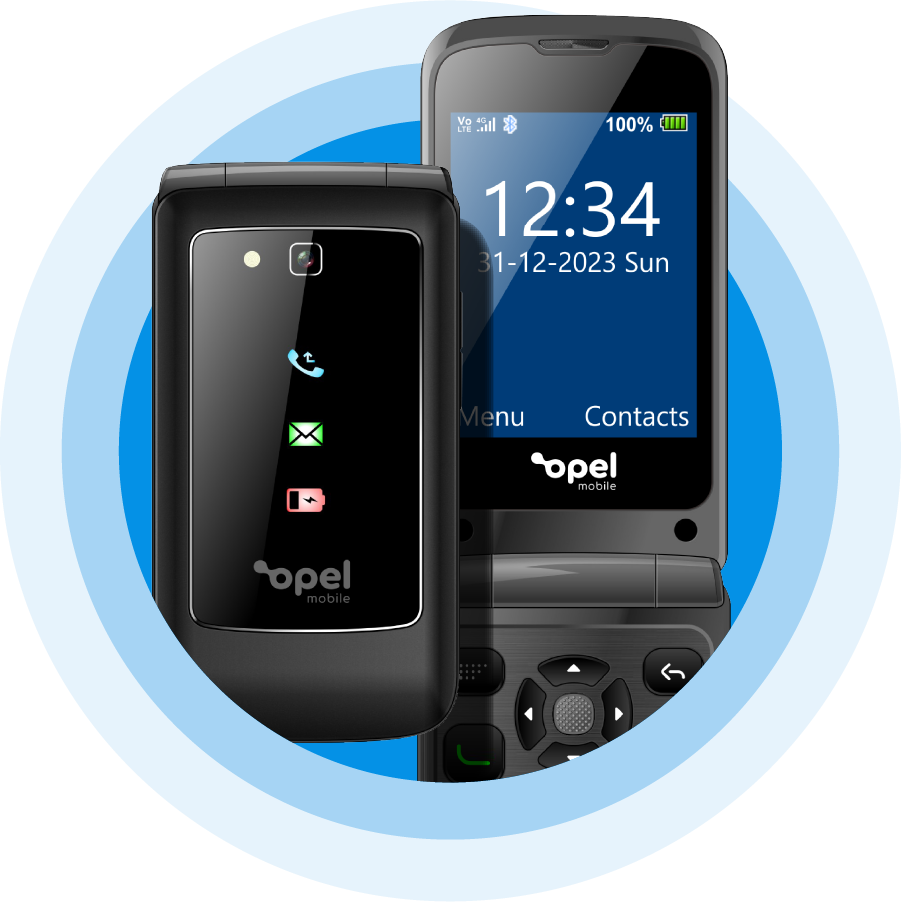
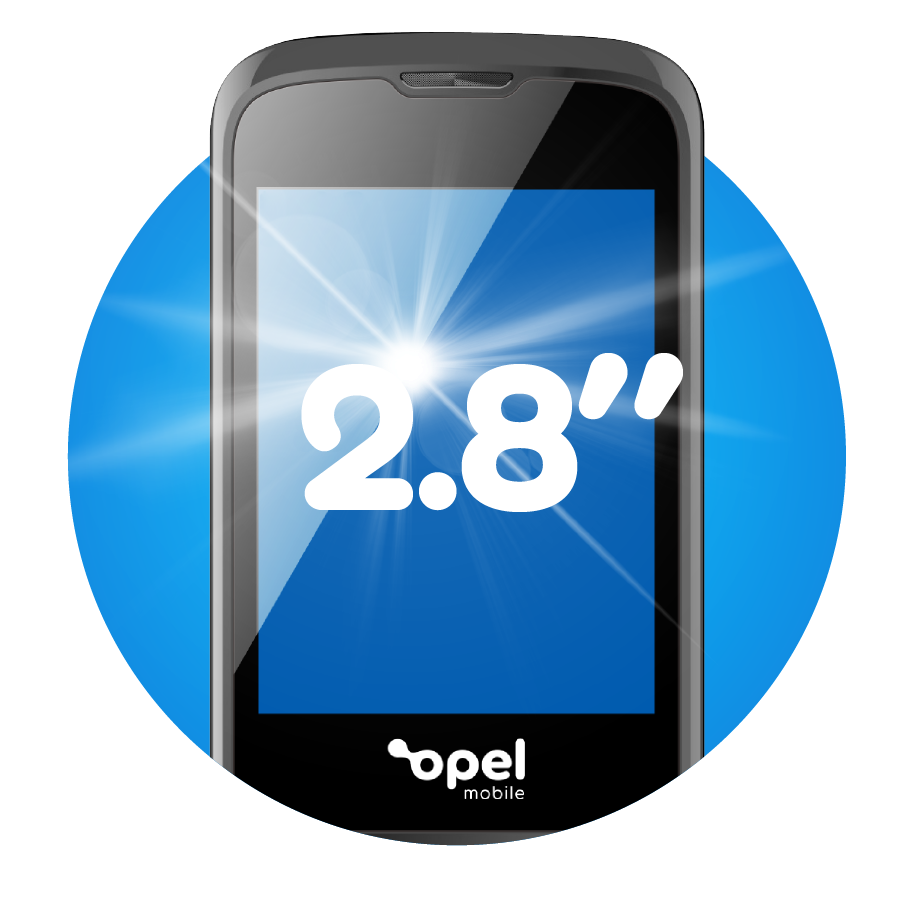
With an intuitive menu and operating system coupled with bright and well contrasted large fonts you’ll find this phone a breeze to use.
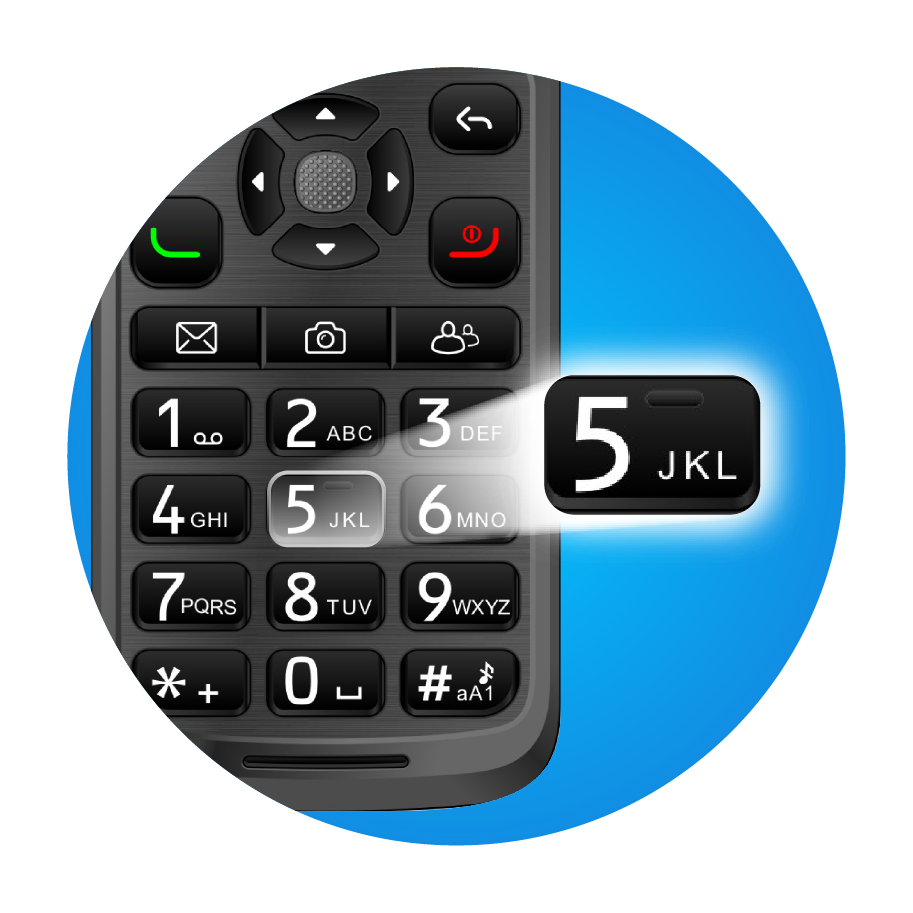
With enough room in between the button to ensure there are no accidental button presses and a clearly defined directional button to help navigate the menu.
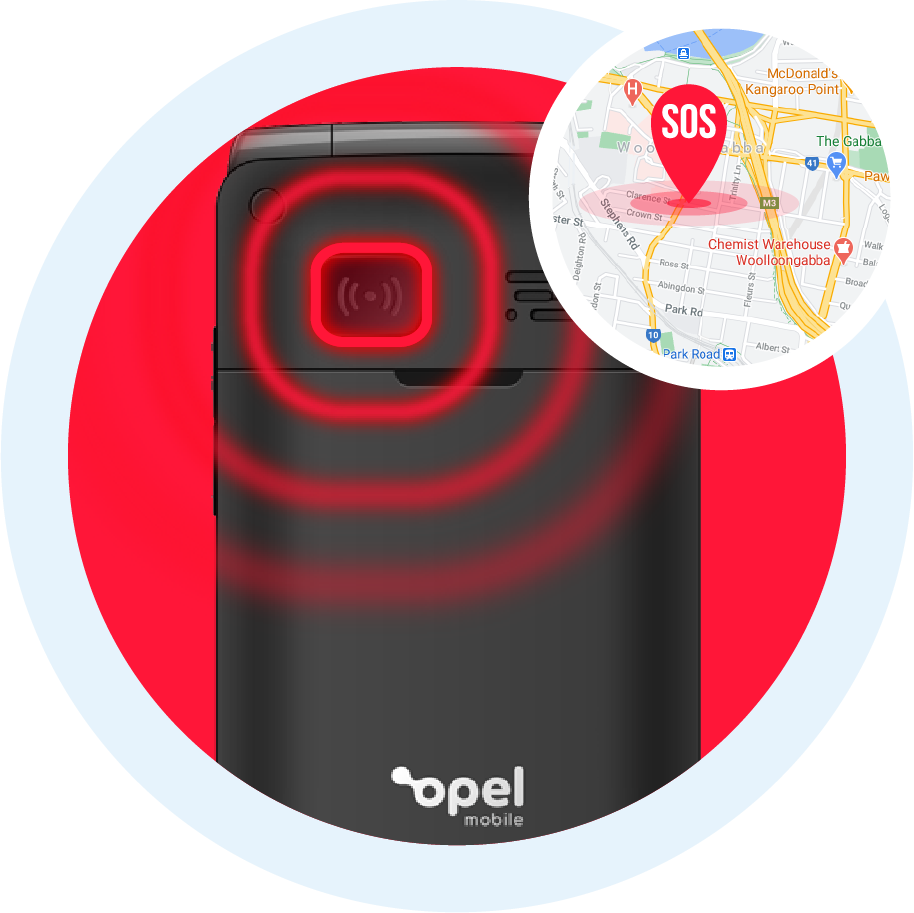
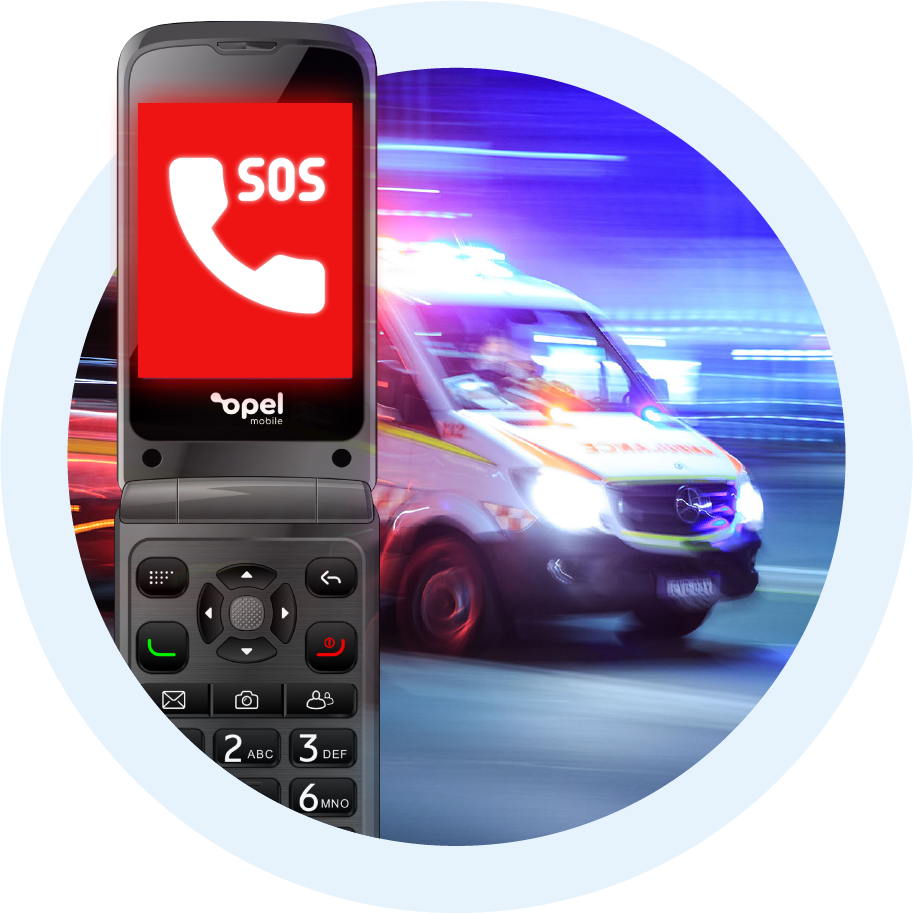
By activating the SOS emergency feature, the Flip X Phone will call up to five contacts, sound an alarm and send a customisable SMS message requesting help to all 5 contacts
Speed dial up to 8 contacts at a single press of a button.
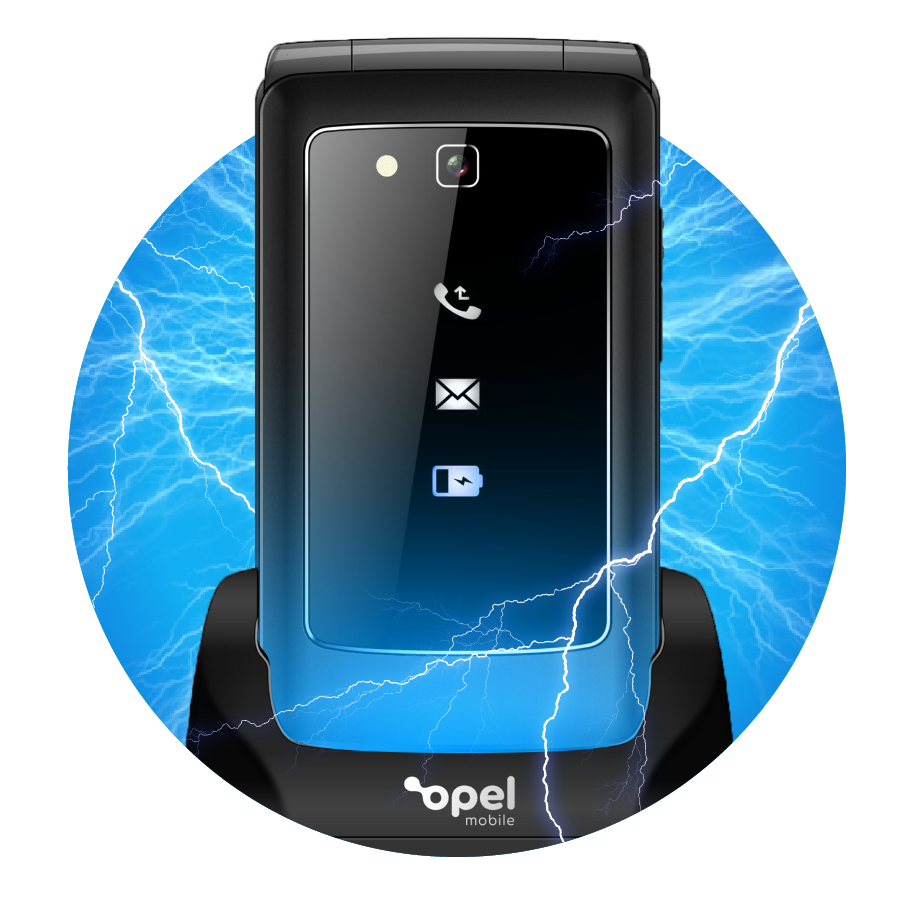
Making charging and storing the phone overnight an absolute breeze with the included Charging Cradle. Additional Charging Cradle’s can also be purchased for only $19 from our accessory store.
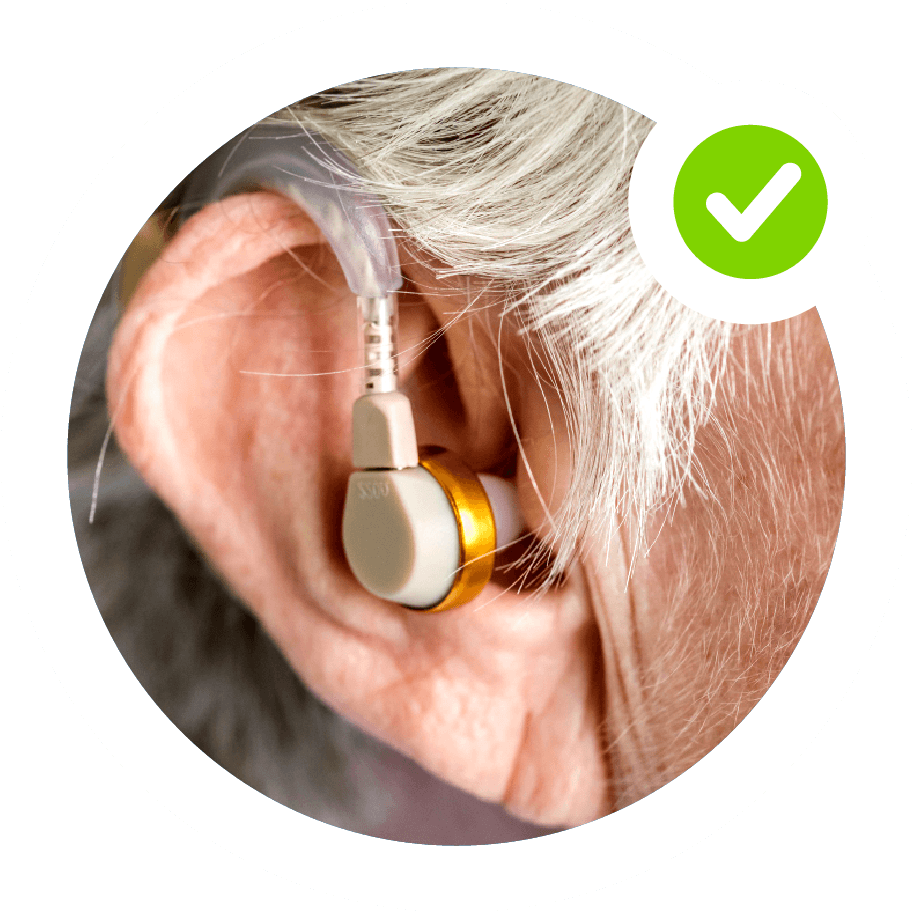
Never miss a thing… the Flip X is rated as M4/T4 meaning it has been tested and rated under the hearing-aid compatibility standards.
We love hearing stories about how Flip X Phone has helped real people a little easier. Here are some of our favourites.
This phone was for my husband who has crippling arthritis in his hands and the flip phone is ideal as he cannot ' swipe ` with any accuracy. the buttons enable him to make and receive calls with ease.

Great for a senior citizen. Got this phone for my mum as she needs a reliable phone.
Excellent customer service. I was able to speak directly with support staff without waiting. The consultant, Ria, was helpful, clear and patient.
A Big Button Flip Phone Perfect for Seniors
The Opel Mobile FlipX is the newest addition to the Opel Mobile lineup, and it’s sure to be useful. With its sleek design and powerful features, the FlipX phone for seniors is perfect for anyone who wants to stay connected and safe.
As a large button flip phone, it has easy-to-read keys that are 1cm in diameter and spaced 2.5mm apart for ease of use. This makes the FlipX the perfect option for people with poor eyesight or dexterity.
Keeping you safe outdoors: The Opel Mobile Flip X has been built with the latest technology and design to keep you safe outdoors.
The SOS Emergency feature allows you to call emergency services in the event of an accident. This feature can be used even if your phone is locked, meaning that you can call for help at any time no matter what state your phone is in.
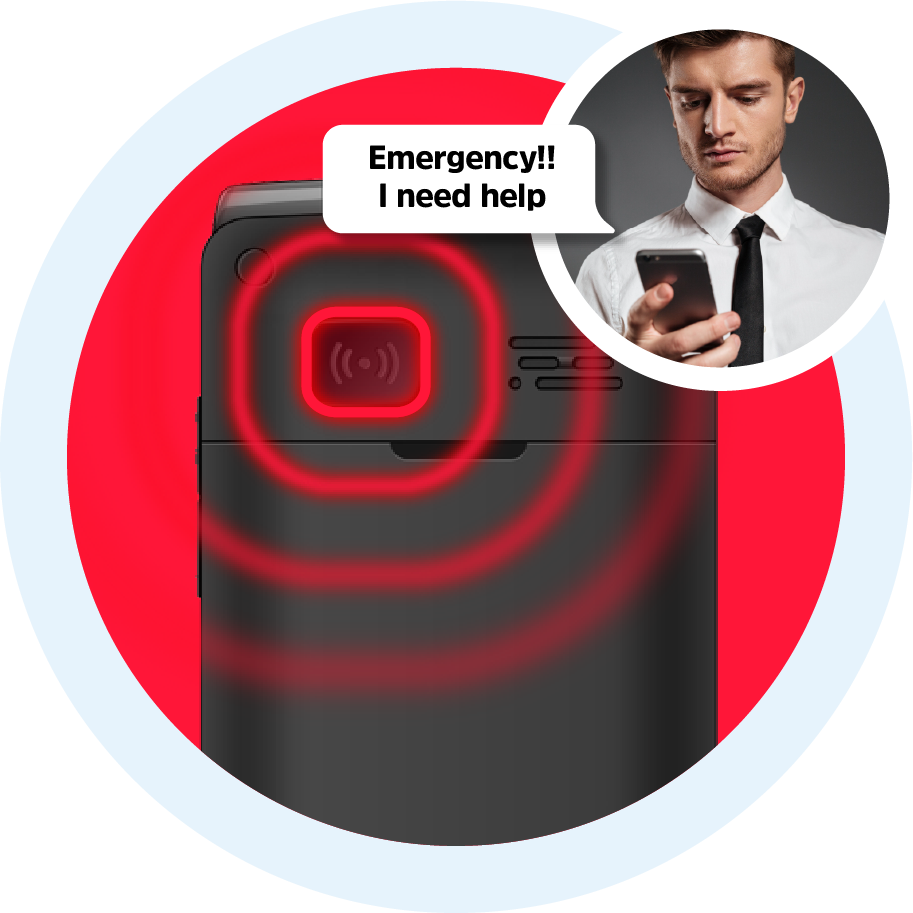
Keeping you safe anywhere: The SOS button sends emergency alerts directly to your contacts. Once the SOS Button is activated the phone will dial up to 5 contacts until someone answers the call.
At the same time it will send the same 5 contacts an SMS with a pre-determined customised message such as “Emergency…I need help”.
Stay connected and keep safe with the Opel Mobile Flip X!
Nano SIM
No, it supports single SIM card only
3G and 4G with VoLTE
You can purchase spare accessories on https://www.opelmobile.localhost/shop-accessories/
This really depends on the strength of the network signal and your usage patterns. Poor network reception and heavier usage pattern can drain battery much faster. Generally it can last up to 1-2 days on standby mode with light usage with good reception, however, we recommend to charge the device daily.
Yes, as it uses a removable battery, you can purchase a spare one on https://www.opelmobile.localhost/shop/
Yes, you can enable a password at start up mode (Require Start Up Password) through the Security menu in Settings app
Yes, you can access Blacklist through Security menu in Settings app
Yes, it supports two types of quick dial shortcuts:
(1) 2-9 number keys speed dial (access via Settings app)
(2) Photo dial (press the Photo Dial key, or access via Contacts app)
1) You cannot, but you can silent the ringer by pressing the Volume Up button
2) Or you can turn off Flip Answer option in the Settings app, then open the flip to reject calls
1) To clear the blue missed call indicator, go to Call Logs app and check out the Missed Calls
2) To clear the green unread message indicator, go to Messages app and check out the unread messages inside Inbox
Yes, you can use Bluetooth headsets to make phone calls or listen to music
Yes
1) It can reach to the highest HAC standard: M4/T4 rating of the ANSI C63.19 test method
2) It should be compatible with most hearing aids but compatibility is not guaranteed
3) Adjust its position nearby the hearing device properly, so it can achieve the best effect of hearing
4) Please consult with your doctor or hearing aid manufacturer before using a hearing aid with this device
For more information, please refer to our HAC instructions in the Support section
Yes, it supports microSD card up to 512GB, and the compatibility of larger capacity is not guaranteed
1) Phone memory: up to 1000 contacts
2) SIM memory: depends on your network provider
1) SMS: 200 messages
2) MMS: 50 messages
3) SIM memory: depends on your network provider
1) Go to Contacts app, press Options and select Import/Export
2) It is recommended to use external memory card for data backup
Go to Messages app, press Options and select Settings, then select SMS then Export SMS
While viewing the MMS, press Options and select Save media files
Long-press the # key at the home screen
Different ringtones can be assigned to different Sound Profiles, to change the ringtones:
1) Go to Sound Profiles app
2) Highlight the current profile and select Options
3) Select Edit Ringtones
4) Select Select Ringtones
Yes, this device supports Talking Keypad which can speak out the numbers while you are dialling:
1) Go to Sound Profiles app
2) Highlight the current profile and select Options
3) Select Other Alert Rings
4) Select Dial Tone
No, as it is not a smartphone
No, as it is not a smartphone
Use # key to switch while typing, and predictive text input method is supported
Yes, you can create a reminder with your own voice in Calendar app:
1) Press Options to Create an event
2) Scroll to Reminder Tone and press OK key
3) Select Record Voice
Yes, and for better FM reception and sound quality, it is suggested to use it outdoor
Long-press the Volume Up button
1) Activate SOS: press the SOS button on the back 3 times
2) Stop SOS: press red End-call key few times until it returns to the home screen
It is designed to work in Australia and New Zealand primarily, and we cannot guarantee it will work overseas
The device comes with a 12 month local warranty:
1) We will provide an identical replacement if we are unable to repair it under warranty
2) If it is not replaceable, we will provide refund based on your original purchase price (a copy of proof of purchase must be provided)
3) We will cover all postage costs if it is under warranty
4) We do not cover accidental damage nor water damage
Please refer to the below checklist and follow them properly:
1) The battery is inserted correctly
2) Nothing is covering the gold connection pins on the battery
3) Long-press the Power button for at least 5 seconds to turn it on
4) Charge the device for at least 10 minutes as the battery may have run out of charge completely
Please refer to the below checklist and follow them properly:
1) The power adapter is inserted in the wall socket correctly and the wall switch is turned on
2) The wall socket is working well by testing another adapter or try another power socket
3) The USB cable is being inserted correctly and completely
4) No dirt or dust accumulated in the charging port
5) Charge the device for at least 10 minutes as the battery may have run out of charge completely
Please refer to the below checklist:
1) Use it at the locations with good mobile network reception
2) Do not let the screen stay on for a prolonged period
3) Lower the brightness level of the screen
4) Normally a battery needs a few recharge-discharge cycles to reach its optimal performance
5) Always use genuine Opel Mobile accessories
Generally it takes up to 2-3 hours for a full charge
This means you have input the incorrect SIM PIN code for 3 times or more, please contact your network provider to obtain the PUK code of your SIM card (not from Opel Mobile)
Please refer to the below checklist and follow them properly:
1) Must use the correct SIM card size
2) The SIM card is inserted correctly (refer to the Quick Setup Guide in User Manual)
3) The SIM card may be damaged or dirty, please obtain a replacement SIM from your network provider
Please refer to the below checklist and follow them properly:
1) The SIM card is inserted correctly (refer to the Quick Setup Guide in User Manual)
2) The SIM card has been activated and has sufficient credit to make calls
3) The phone number you want to call is being input correctly, e.g. with correct area code or country code
4) Make calls at the locations with good mobile network reception
5) They are connected to mobile network and flight Mode is not turned on
Please refer to the below checklist and follow them properly:
1) Try to increase the in-call sound volume
2) Ensure the microphone is not being covered
3) Adjust the position of the earpiece to your ear properly
4) Make calls at the locations with good mobile network reception
When you perform a factory reset, all the data in the device will be deleted, and there is no way to recover them
1) Go to Settings app
2) Select Phone Settings
3) Select Restore Factory Settings
4) Type in the default phone password 1234, or the phone password you have changed to
Please refer to the below checklist and follow them properly:
1) You must add at least one phone number (up to 5) to the SOS Contact list in SOS Emergency app
2) You must select Enable SOS option in SOS Emergency app
3) Verify whether the SIM card is working normally, by calling the phone number directly using phone dialler
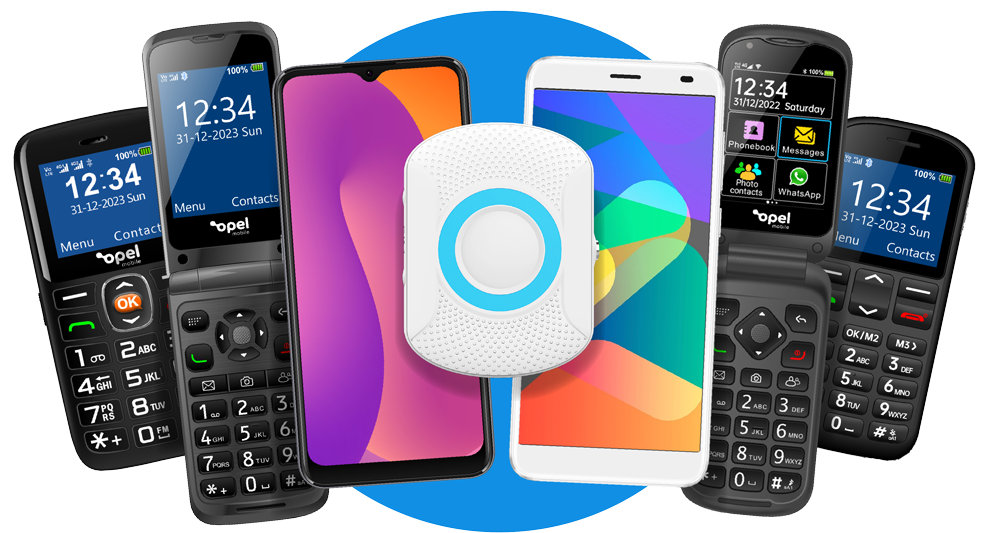
Our solutions are of excellent quality due to being Australian designed. From flip phones to smartphones and big button phones we have now added the SafetyPendant to the Opel Mobile family.
The Best Mobile Phone for Seniors, Kids, and the Visually and Hearing Impaired – at just $129!
Buy direct from our website and receive free standard shipping on any phone
Talk to a Senior Care Expert and Order Your Flip X Phone Today!
 1300 971 584